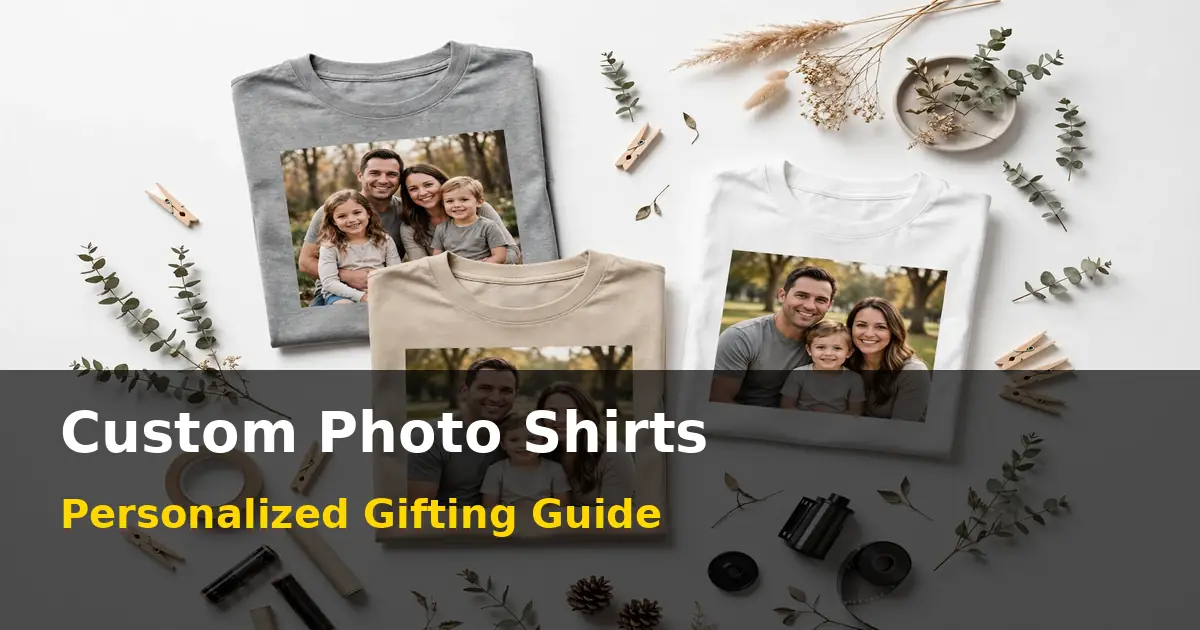
A custom photo shirt takes a memory that lives on a phone screen and puts it somewhere it gets seen: on a person. Done well, it is one of the most personal gifts you can give — a wedding photo, a beloved pet, a family trip, an inside joke frozen mid-laugh. Done badly, it is a blurry rectangle on a scratchy tee. The difference is almost entirely in the preparation: choosing the right print method, the right photo file, and the right blank. This guide walks through all three, plus when to give one, how to size a surprise, and how to keep the print looking good.
Table of Contents
Why Photo Shirts Work as Gifts
A personalized gift signals effort. Anyone can buy a gift card; choosing a specific photo, placing it well, and picking a shirt the recipient will actually wear takes thought — and recipients notice. Photo shirts also solve the hardest part of gifting: relevance. A photo of the recipient's dog, their wedding day, or a trip you took together is relevant by definition.
They also age well. Trends cycle, but a shirt printed with a daughter's first steps or a 1980s family road trip photo becomes a keepsake. The sentimental value tends to increase the longer it is kept, which is the opposite of most clothing gifts.
That said, a photo shirt is a bold gift. It works best for people you know well — close family, partners, best friends — and for occasions with an emotional anchor: milestones, memorials, reunions. For a casual acquaintance, it can feel like too much. Read the relationship first.
Print Methods: DTG, DTF, Screen Printing, Sublimation
The print method decides how the photo looks, how it feels, and how long it lasts. Here is how the four common methods compare for photographic designs.
Direct-to-Garment (DTG)
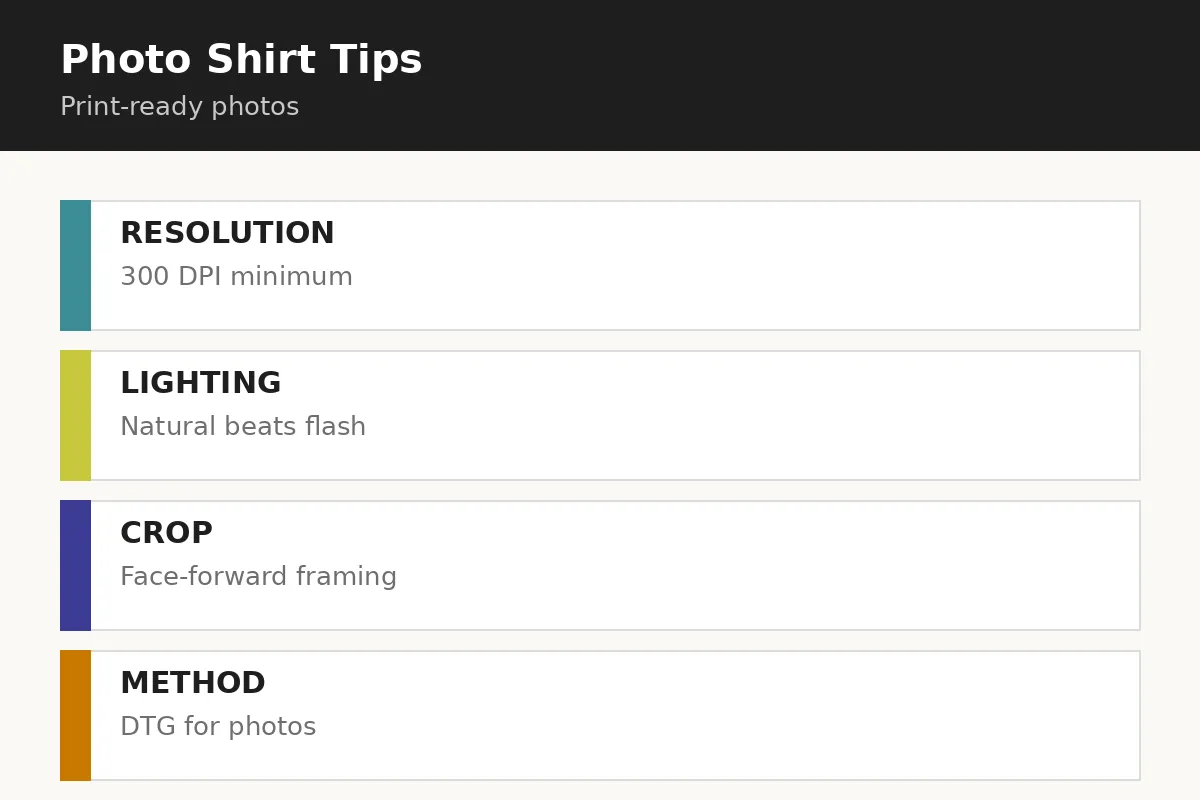
DTG works like an inkjet printer for fabric: ink is sprayed directly into the fibers. It handles full-color photographs — gradients, shadows, fine detail — better than any other method for cotton shirts. The print has a soft hand feel because the ink sits in the fabric rather than on top of it. For a single custom photo shirt on cotton, DTG is the default choice. On dark garments, the printer lays down a white underbase first so colors stay vivid instead of sinking into the fabric.
Direct-to-Film (DTF)
DTF prints the design onto a film, then heat-presses it onto the garment. It produces vibrant, durable prints on cotton, blends, and polyester alike, and it handles dark fabrics well. The trade-off is a slightly more noticeable print feel than DTG — you can feel the transferred layer if you run a finger over it. It is a solid option when DTG is not available.
Screen Printing
Screen printing pushes ink through stencils, one color per screen. It is extremely durable and cost-effective in bulk, but a poor fit for photographs: reproducing thousands of colors would require an impractical number of screens. It works for photo shirts only when the photo is converted to a stylized, limited-color treatment — think a Warhol-style posterization. For a group order of 20+ identical photo shirts, screen printing can make sense; for one-offs, it does not.
Sublimation
Sublimation turns dye into gas that bonds with polyester fibers, so the print becomes part of the fabric — no feel at all, and it will not crack or peel. It enables all-over prints where the photo covers the entire shirt. The constraints: it only works on polyester (or high-poly blends), and it performs best on white or light garments. If you want a photorealistic all-over design, this is the method — just know the shirt will feel like athletic wear.
Preparing Your Photo File
The printer can only reproduce what you give it. Most disappointing photo shirts trace back to the file, not the printer. Follow these steps before uploading.
- Use the original file. Never use a screenshot or a photo downloaded from social media — both are compressed and lose detail. Go back to the original in your camera roll or photo library.
- Check the resolution. Aim for 300 DPI at the intended print size. For a 10-inch-wide chest print, that means roughly 3000 pixels wide. Most modern phone photos clear this bar easily when taken at full resolution.
- Brighten slightly. Ink on fabric renders a touch darker than a backlit phone screen. If the photo is dim, raise brightness and contrast modestly before uploading — around 10 to 15 percent is a reasonable starting point.
- Consider the background. If you want just the person or pet without the cluttered room behind them, remove the background and save as a PNG. A clean cutout looks far more professional than a rectangular photo with a messy living room.
- Watch the crop. Faces near the edge of the frame can get cut awkwardly by the print area. Leave a margin around the subject.
Design Tips for a Professional Result
- Placement: A centered chest print typically sits about 3 inches below the collar. Too low and the design lands on the stomach; too high and it crowds the neck.
- Size restraint: A photo does not have to fill the whole shirt. A smaller, well-placed print often looks more intentional than a giant rectangle.
- Contrast: Dark photos disappear on dark shirts. If the photo is moody, either choose a light garment or add a light border or background shape behind the image.
- Text pairing: A name, date, or short phrase under the photo adds context — "Est. 1998," a pet's name, a trip location. Keep typography simple; the photo is the star.
- Mockup check: Most custom platforms show a digital preview. Zoom in on it. If the preview looks pixelated, the print will too — go back and find a better file.
Choosing the Right Blank
The blank is the canvas. For DTG photo prints, 100% combed ring-spun cotton is the standard recommendation: smooth surface, good ink absorption, comfortable wear. Tri-blends (cotton/polyester/rayon) give a softer, vintage drape, but prints come out slightly faded-looking — which suits a retro aesthetic but not a crisp photo. Heavyweight cotton (6 oz and up) feels premium and holds structure, though it can run warm.
Match the blank to the recipient. A soft, lightweight tee for someone who lives in casual clothes; a slightly heavier blank if the shirt is meant to be a statement piece. And check the size chart — blanks vary between brands, so do not assume a medium is a medium.
Best Occasions for a Photo Shirt
- Memorial tributes: A shirt honoring a person or pet who has passed can be a genuine comfort — a wearable tribute for family gatherings or anniversaries of remembrance.
- Milestone birthdays and anniversaries: A wedding photo from decades ago, or a childhood photo of the birthday person, lands emotionally every time.
- Family reunions and group trips: Matching photo shirts — a group photo from the last reunion, a shared vacation snapshot — turn the event into a tradition.
- Pet lovers: A pet's face on a shirt is a universally safe gift for the pet-obsessed. See our guide to custom pet shirts for portrait-specific tips.
- Retirements and farewells: A funny photo from the office years makes a memorable send-off gift.
For more gifting ideas across occasions, see our personalized gifts guide.
Sizing a Surprise Gift
Guessing a size wrong can deflate the moment. The reliable move: measure a shirt the recipient already owns and loves, then compare against the printer's size chart — pit-to-pit width and body length are the two numbers that matter. If you cannot measure, note the size tag on a shirt in their closet (and which brand, since sizing varies). When in doubt between two sizes for a casual gift, the larger one is usually the safer guess — a slightly relaxed tee gets worn; a too-tight one does not.
Order timing matters too. Custom printing plus shipping typically needs one to two weeks; holiday seasons stretch longer. Order early enough that a reprint — for a wrong size or a file issue — is still possible before the occasion.
Care: Keeping the Print Vibrant
DTG and DTF prints are durable but not indestructible. Three habits protect them: wash inside out, use cold water, and hang dry or tumble on low. Heat is the main enemy — hot water and high dryer heat accelerate fading and can crack transferred prints. Skip bleach and fabric softeners on printed areas, and never iron directly on the design.
Frequently Asked Questions
What resolution does a photo need for a t-shirt print?
Aim for 300 DPI at the final print size — for a 10-inch-wide chest print, that means about 3000 pixels wide. Use the original photo file, not a screenshot or social-media download, which are compressed.
Can I print a photo on a black t-shirt?
Yes. DTG and DTF printers lay down a white underbase layer first so colors stay vivid on dark fabric. Without it, colors would sink into the dark garment and look muddy.
Will the photo peel or wash off?
Professionally printed DTG, DTF, and sublimation prints do not peel; they may fade gradually over many washes. Washing inside out in cold water and hang-drying extends the print's life significantly.
Is screen printing good for photo shirts?
Generally no. Screen printing needs one screen per color, so reproducing a full-color photograph is impractical for small orders. It works only for stylized, limited-color treatments of a photo, or for large identical group orders.
How far in advance should I order a custom photo shirt?
Allow one to two weeks for printing plus shipping, and longer during holidays. Ordering early leaves room for a reprint if the size is wrong or the file needs fixing.