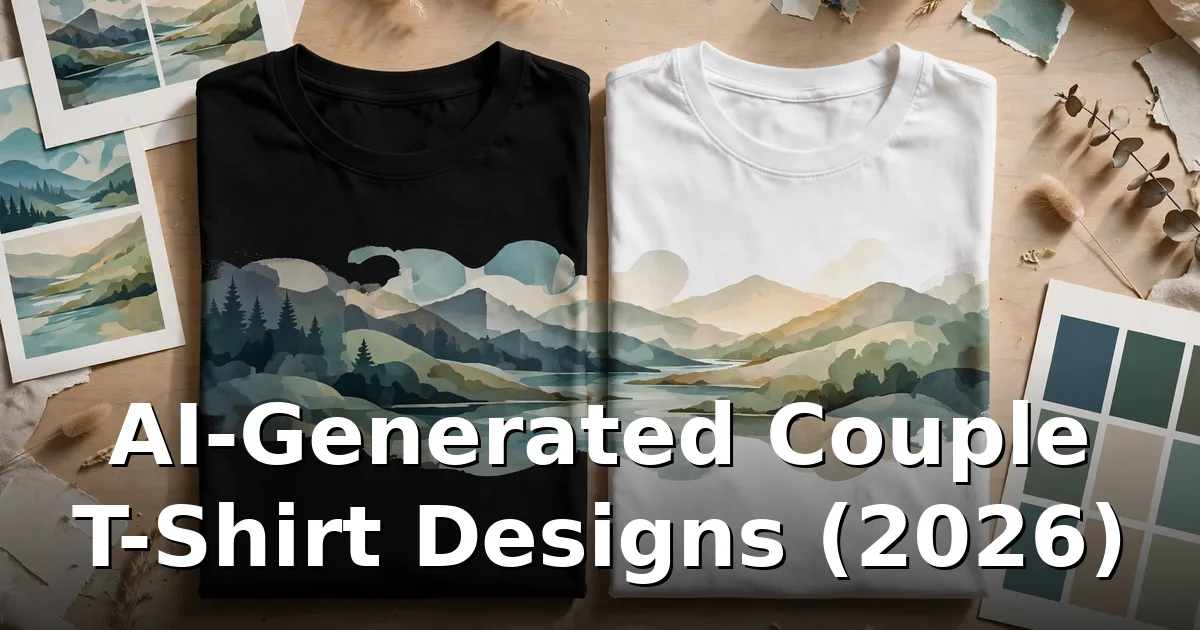
AI-generated couple t-shirt designs let two people create truly one-of-a-kind matching apparel — complementary artwork generated from text prompts, then printed on shirts. No templates, no clip art, no other couple owning your design. This guide covers how it works, design concepts built for pairs, copy-paste prompt frameworks, the technical steps that make AI art print-ready, which print methods suit it best, and the honest limitations.
Table of Contents
How AI Design Works for Couples
Generative image tools turn text descriptions into artwork in minutes. For couples, the real advantage is diptych design — two pieces of art meant to be worn together: an astronaut on one shirt and the nebula they fly through on the other, or a single continuous line drawing split across two chests.
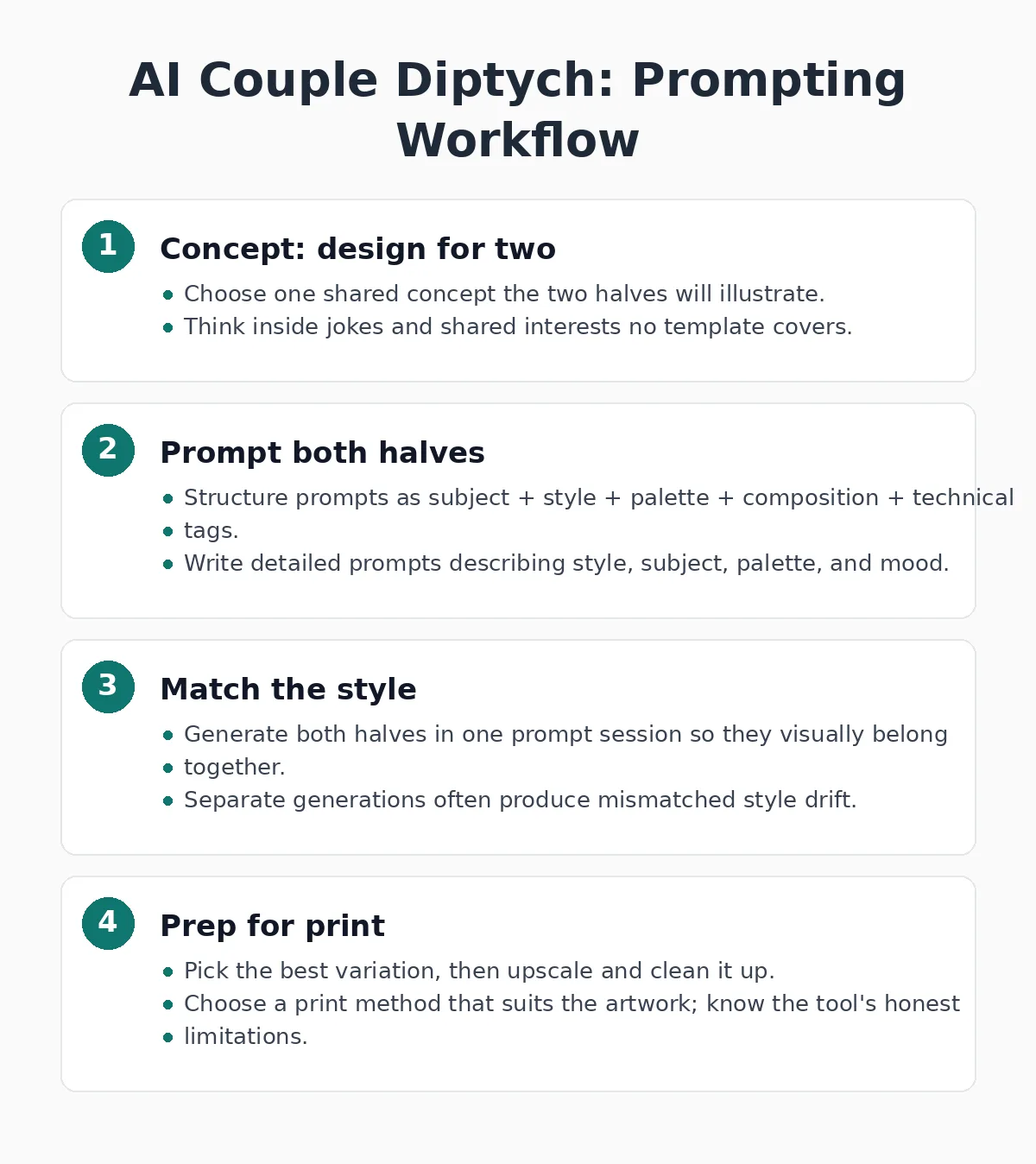
The workflow: write a detailed prompt describing style, subject, palette, and mood → generate variations → pick the best → upscale and clean it up → send to a printer. Iteration is fast and cheap compared to briefing a human designer, which makes AI ideal for inside jokes and niche shared interests that no template covers.
For the broader custom-apparel process, see our custom apparel guide.
Choosing a Generator
- Midjourney: strongest artistic stylization — painterly, illustrative, and atmospheric results. Weaker at rendering readable text inside images. Best when the design is purely visual.
- DALL-E 3 (via ChatGPT): best at incorporating short text and following complex multi-part instructions. Slightly less striking artistically than Midjourney, but more obedient.
- Stable Diffusion (local or hosted): free and endlessly customizable with community models, but needs more setup and prompt-tuning skill. Good for tinkerers.
- Ideogram: built specifically around legible text in images — worth trying when your design centers on words or dates.
For couple shirts specifically, prioritize tools that let you generate two coordinated images in one session — consistent style across both shirts matters more than any single image's beauty.
Design Concepts for Two
The abstract connection
Fluid patterns — acrylic-pour swirls, topographic lines, gradient waves — designed to flow off one shirt and onto the other. Subtle, sophisticated, and only obvious when you stand together.
Niche mashups
Blend your two obsessions: her love of botanical illustration with his love of retro sci-fi, for example. AI is genuinely good at fusing styles a template never would — this is where it beats every alternative.
Minimalist line art
Continuous-line drawings of two profiles facing each other, or two hands meeting. Prints cleanly, looks premium, and suits couples who dislike loud graphics.
Split typography
One phrase across two shirts in a distinctive typeface — "Better" / "Together," your anniversary date in Roman numerals, coordinates of where you met.
Stylized portraits
Illustrated versions of yourselves — watercolor portrait, pixel-art duo, storybook characters. Keep faces stylized rather than photorealistic: it prints better, avoids uncanny-valley artifacts, and ages better as a design.
Era fusion
One partner's aesthetic in the other's favorite era — a Renaissance-style portrait with cyberpunk neon accents, for instance. Impossible to find pre-made; trivial to prompt.
Prompt Frameworks (Copy-Paste Starters)
Good prompts share a structure: subject + style + palette + composition + technical tags. Adapt these:
- Diptych pair: "Two matching t-shirt graphics, same art style: [left: subject A], [right: subject B], [style: e.g. minimalist line art], [palette: e.g. navy and gold], centered composition, no background, no text"
- Abstract flow: "Fluid acrylic pour art flowing diagonally, [two colors], organic shapes, designed to continue across two separate canvases, t-shirt graphic, no background"
- Portrait style: "Stylized storybook illustration of a couple [describe them loosely: e.g. 'a woman with curly hair and a man with glasses'] [doing something: e.g. 'stargazing'], warm palette, [style: e.g. watercolor], t-shirt graphic, no background, no text"
- Typography base: "Vintage badge logo reading '[YOUR TEXT]', [style: e.g. 1970s retro typography], [palette], distressed texture, t-shirt graphic, transparent background"
Always add "no background" (or "plain white background") and "no text" unless you specifically want lettering — it saves painful cleanup later. Generate at the highest quality/size setting available.
AI vs. Traditional Custom Design
| Method | Strengths | Limitations | Best For |
|---|---|---|---|
| AI generators | Unlimited unique concepts, fast iteration, no design skill needed | Low default resolution; occasional visual artifacts; needs cleanup | Niche ideas, artistic couples, inside jokes |
| Pre-made templates | Fast, guaranteed print-ready | Generic — many other couples own the same design | Last-minute needs, simple text designs |
| Freelance artist | Human judgment, exact execution of a vision | Costs more and takes days to weeks | Wedding or milestone commemorative pieces |
| Photo print (DTG) | Deeply personal, captures real memories | Photos can look flat on fabric and fade faster than graphics | Gag gifts, casual keepsakes |
Making AI Art Print-Ready
This is where most AI shirt projects fail. Generators output small raster images (often 1024×1024) — print that directly and you get a blurry mess. The fix, step by step:
- Upscale: use an AI upscaler (Topaz Gigapixel, Upscayl, or the generator's built-in upscale) to reach at least 3000px on the shortest side.
- Target 300 DPI at the final print size — the textile industry standard. A 10-inch-wide chest print needs 3000px across.
- Remove the background unless the design is meant to be a full rectangular print. Clean edges separate amateur from professional results.
- Vectorize line art: for logos and line drawings, vectorization converts pixels to scalable paths — infinitely scalable with zero quality loss.
- Check color mode: generators work in RGB; printers print CMYK. Soft-proof in any photo editor so neon brights don't arrive muddy.
- Mind text: AI still garbles lettering more often than not. Use a text-capable generator for short phrases, or add typography yourself in a design tool after generating the artwork.
- Test print small: before ordering a pair, print the design on paper at actual size and hold it against a shirt. Scale surprises are the most common disappointment.
Best Print Methods for AI Couple Designs
- DTG (direct-to-garment): best for detailed, full-color AI artwork with no minimum order — ideal for a one-off pair. See our DTG guide.
- Screen printing: best for simple, bold AI designs ordered in quantity (group trips, wedding parties). Most durable for flat graphics with few colors.
- DTF transfers: a flexible middle ground that handles detail well across fabric types and colors.
- Avoid cheap iron-ons for AI art — they crack and peel, wasting all your careful upscaling work.
For sustainable printing choices, see our eco-friendly printing guide.
Honest Limitations
- Text is unreliable: even the best generators misspell or warp lettering. Proofread every letter of any generated text at full zoom before printing.
- Hands and faces glitch: extra fingers and melted faces still happen. Inspect closely, regenerate as needed.
- Style drift between the pair: generating two images separately can produce mismatched styles. Generate them in one prompt session, or iterate until they visually belong together.
- Copyright gray zones: keep prompts away from trademarked characters, celebrity likenesses, and brand logos — print services filter for these and will cancel infringing orders.
- It's not instant: between prompting, selecting, upscaling, cleanup, and test prints, a polished pair takes an evening, not five minutes. Budget the time.
Design Workflow Checklist
A quick end-to-end run-through before you commit:
- Concept: pick a diptych idea built for two — the pair should mean something together that neither means alone.
- Generate: prompt with the framework above; iterate on variations until both halves share one unmistakable style.
- Inspect: zoom to 100% and check hands, faces, and any lettering for artifacts.
- Upscale & clean: 3000px+ at 300 DPI, background removed, colors soft-proofed.
- Test print: paper printout at actual size, held against a real shirt, before ordering.
- Order: DTG for detailed art, screen print for bold simplicity, DTF as the flexible middle ground.
- Care: cold wash inside-out, air dry — protect the work you put in.
Frequently Asked Questions
Which AI tool is best for t-shirt designs?
Midjourney leads on artistic quality and stylization; DALL-E 3 handles text inside designs more reliably; Ideogram is built for legible lettering. For couples' artwork, pick based on whether your concept needs words — visual-only concepts favor Midjourney.
Do I need graphic design skills to use AI for shirts?
No, but you need curation skills: judging which outputs look good, plus basics like upscaling, background removal, and resolution requirements for print. The design eye matters more than software skill.
Is AI-generated art high enough resolution for printing?
Not by default — most generators output around 1024×1024 pixels. Upscale to at least 3000px on the shortest side at 300 DPI before sending anything to a printer, and test-print on paper at actual size first.
Will the design peel off in the wash?
That depends on the print method, not the AI. DTG and screen printing are durable; cheap iron-on transfers peel. Wash inside-out in cold water to extend any print's life.
Can I sell AI-designed couple shirts?
For personal wear there are no issues. For commercial sale, be aware that purely AI-generated art has unsettled copyright status in many jurisdictions, and print-on-demand services filter for trademarked characters and brands. Keep designs original and avoid celebrity likenesses.